
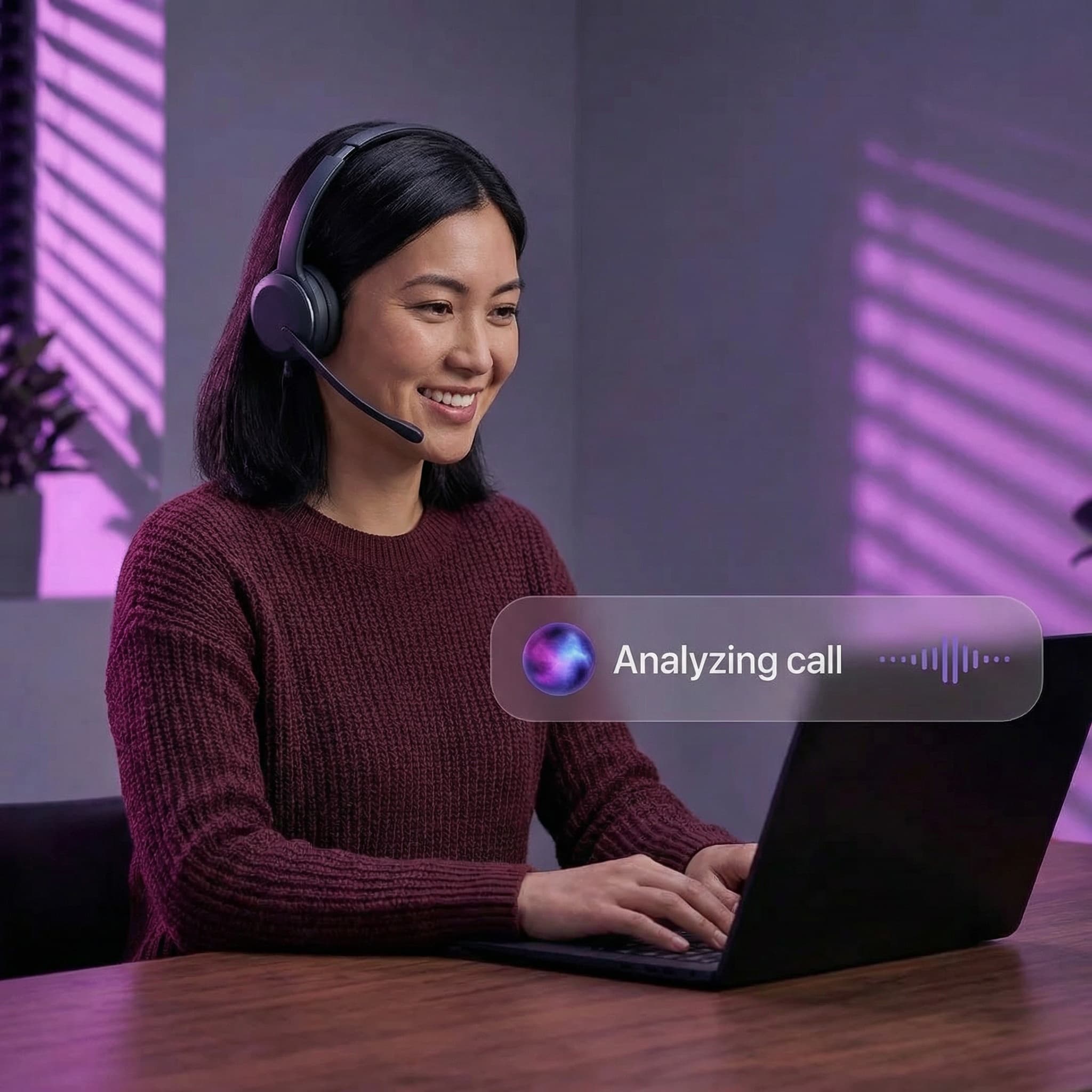
One login. One system. Any location.AI-ready communications workspace
VATRIX UC CLIENT
Your business phone, wherever you work
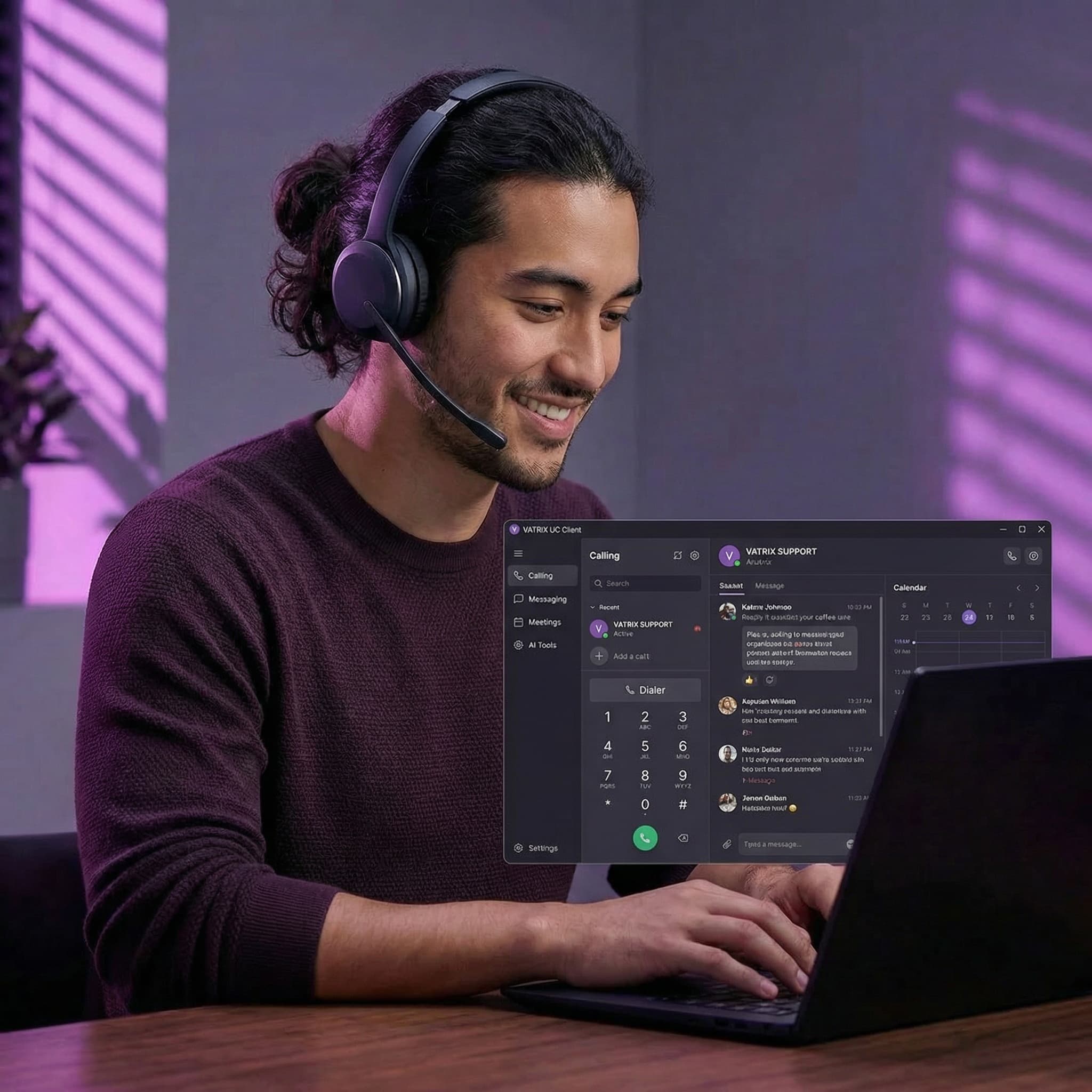
Work does not just happen at a desk anymore. The VATRIX UC Client gives your team full access to calling, messaging, meetings, and AI tools from desktop, browser, or mobile, all connected to your VATRIX phone system.
Business identity on every deviceConsistent team experienceBuilt into the VATRIX platform
Built for real-world teams
Consistent experience across every device
The UC Client connects directly to your VATRIX platform, so teams working remote, hybrid, or in-office stay aligned with the same features and workflows everywhere.
- ✓Web browser
- ✓Desktop (Windows and Mac)
- ✓Mobile app (iOS and Android)
Full business calling, no desk phone required
Office-grade voice tools with software flexibility
The UC Client delivers the essential phone features your team already depends on without locking communication to physical hardware.
Calling capabilities
- ✓HD voice calling
- ✓Transfers and call parking
- ✓Visual voicemail
- ✓Call history and recordings
- ✓Voicemail-to-email and optional transcription
AI built into your workspace
From live calls to clean follow-up, AI helps your team move faster
AI call summaries and transcription
Less note-taking and faster reviews after every call.
- ✓Automatic call transcription
- ✓Clear post-call summaries
- ✓Key decisions and action items
- ✓Easier follow-up and coaching
AI receptionist support
Calls arrive better organized, routed, and ready for action.
- ✓Answers calls 24/7
- ✓Routes callers intelligently
- ✓Schedules appointments
- ✓Escalates to users or queues when needed
UC Client features
Messaging, meetings, presence, and fax
Why businesses choose the VATRIX UC Client
More than a softphone. Your everyday communications workspace.
- Works on web, desktop, and mobile
- Full business phone functionality
- Built-in messaging, video, and fax
- AI summaries and transcription
- Connected to the full VATRIX platform
Frequently asked questions
VATRIX UC Client FAQ
Learn how the UC Client supports remote work, desk-phone flexibility, and AI-powered communication workflows.
It is the software workspace that lets your team make calls, send messages, host meetings, and manage voicemail from desktop or mobile, all connected to your VATRIX system.
Not necessarily. Many teams replace desk phones with the UC Client, while others use both together depending on roles and workflow.
Yes. With internet access, remote employees can access their full business phone experience from anywhere.
AI call summaries, transcription, and AI receptionist capabilities are available based on your selected VATRIX plan.
Ready to give your team more flexibility?
If your employees need to work from anywhere without losing professional phone features, the VATRIX UC Client makes it simple.